 Emberwood Grill
Your own ordering app. Your customers. Your money.
Customers scan a code, order and pay before they arrive. Your counter gets a ding. No app takes a cut. You pay only the normal card fee, like a swipe at your counter.
- Works on any phone
- Your menu, prices and photos
- Ready alert built in
Watch how it works.
One order, from start to finish. A customer pays on the phone, your counter dings, and the phone says READY FOR PICKUP.
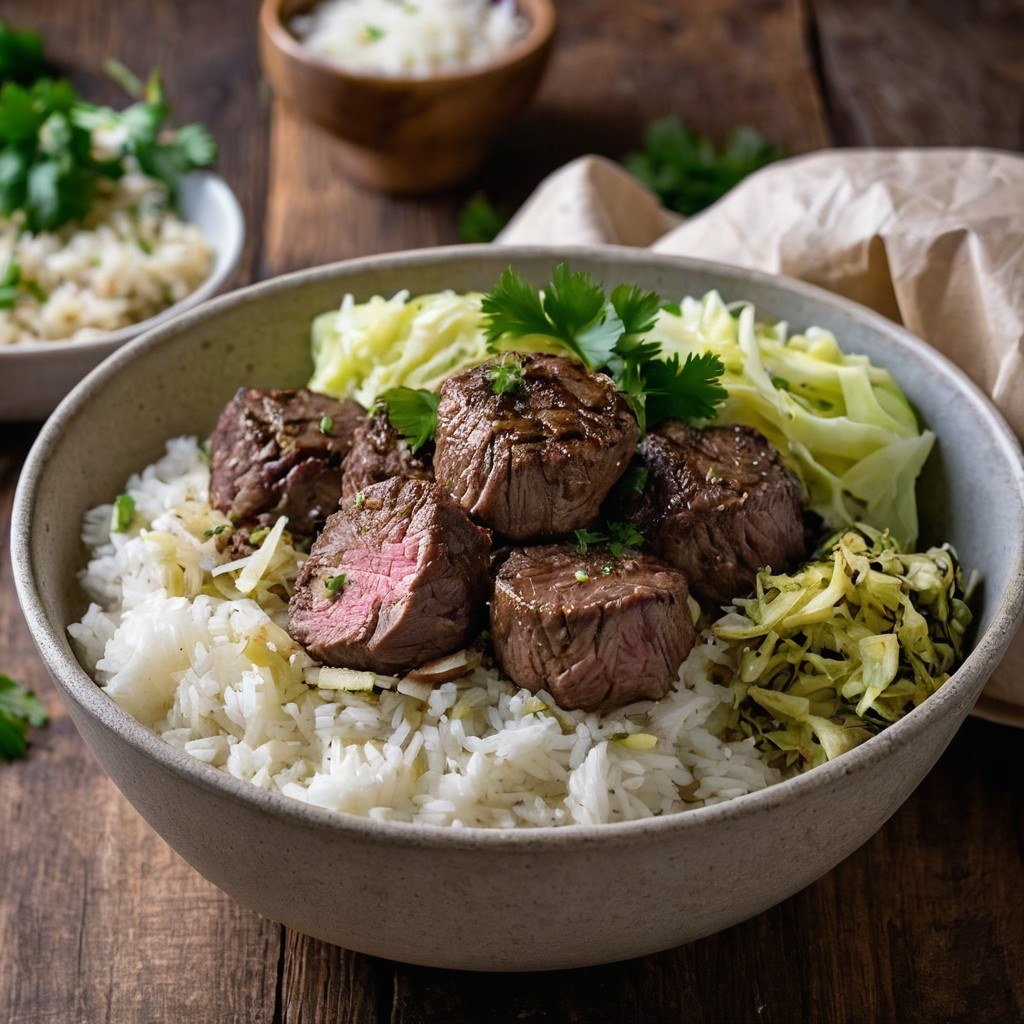
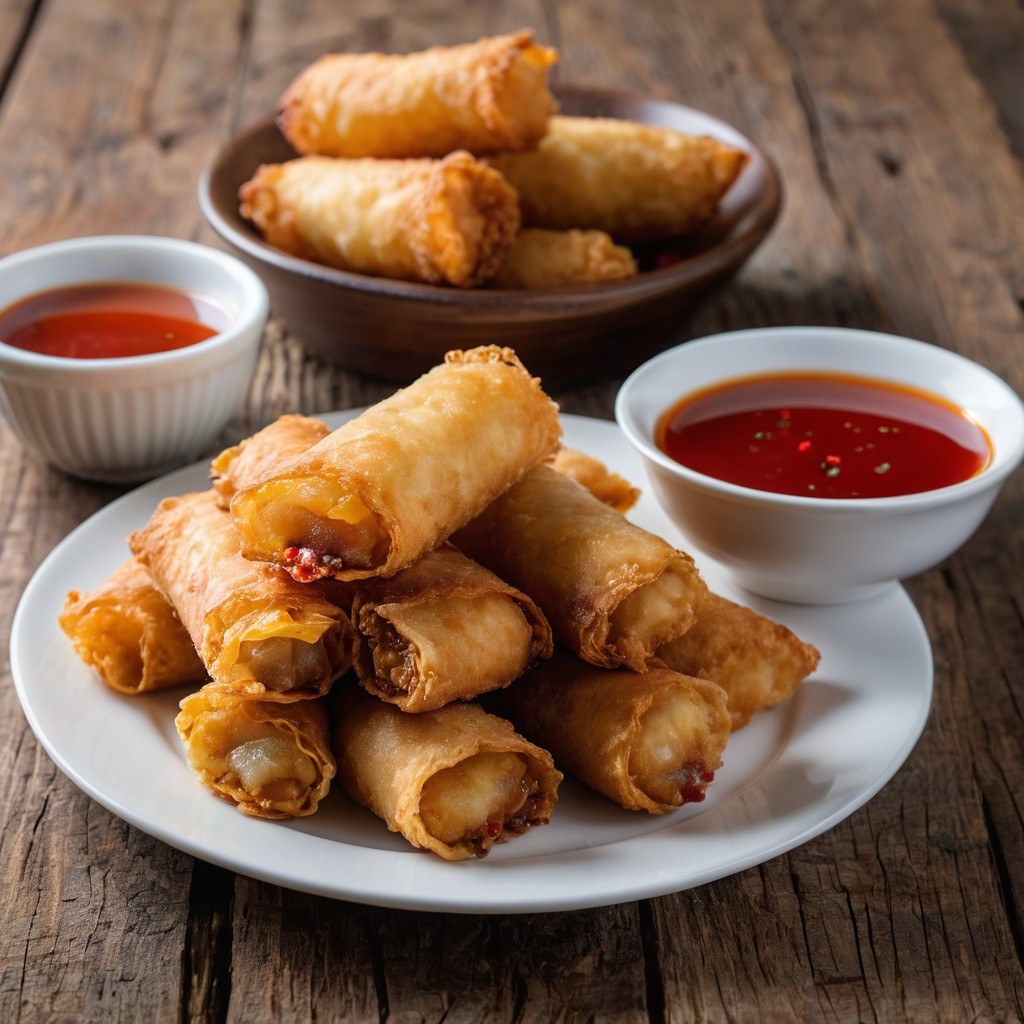
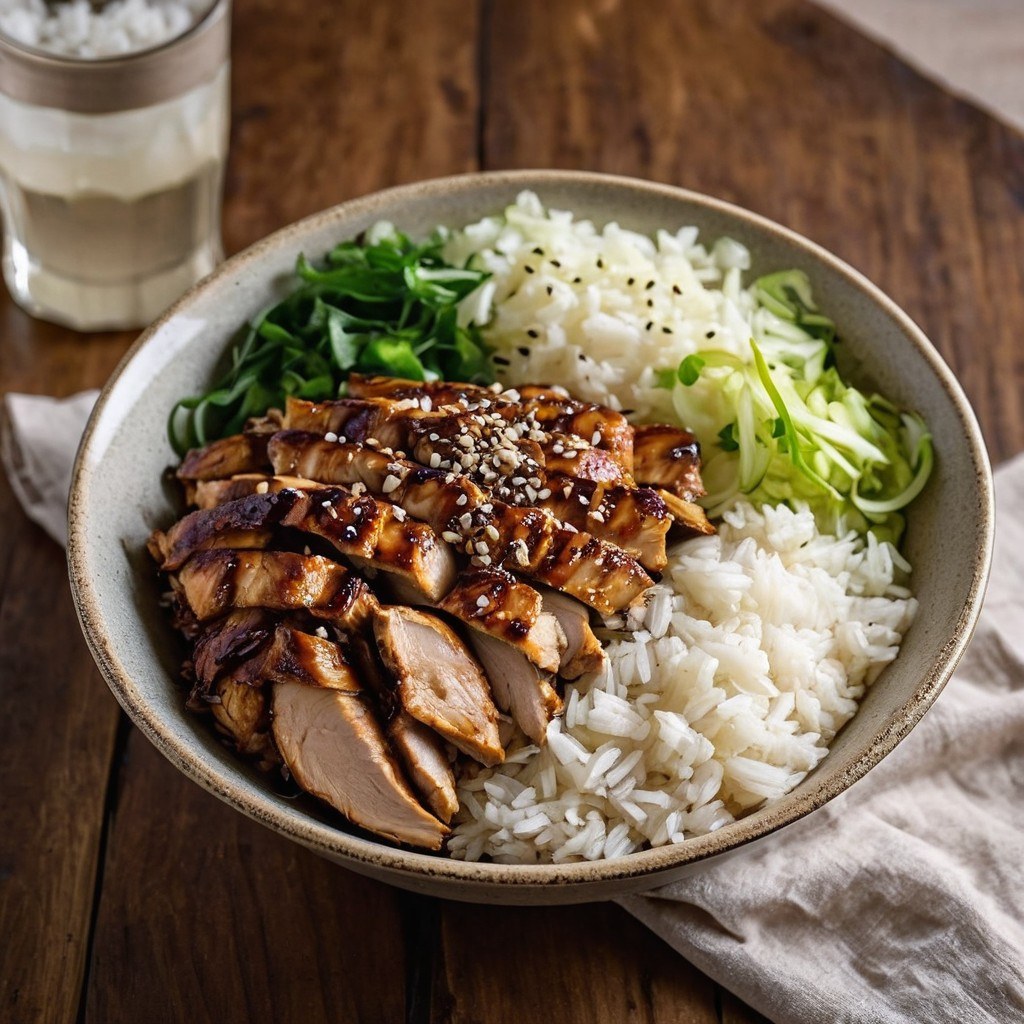
Your food, your prices, your photos.
- menu items
- 0
- with photos
- 0
- menu sections
- 0
From their phone to your counter.
No new machines. A phone or tablet you already have works as the counter screen.
-
01
Customer scans the code or taps your link
They pick their food, choose a pickup time and pay on their phone.
-
02
Your counter screen dings
The order pops up marked PAID. Tap Start cooking.
-
03
Tap Ready
Their phone says READY FOR PICKUP. They walk in, grab the bag and go.
Try both sides right here.
One screen is what your customers see. The other is your counter. They update each other live.
Send a test order, or order something on the phone.
Customer phone
Your counter
Orders here are pretend and stay on this device. No card is charged.
The honest numbers.
On a pickup order, takes and takes . On your own app, only the normal card fee comes out.
What you keep on a pickup order
The same food at the same price, three ways to take the order.
About the same as a card swipe at your counter. No phone call.
What moving those orders adds up to
Only pickup orders that would have gone through DoorDash or Uber Eats count here. Move the sliders to your real numbers.
What it costs you
$0
No commission. No monthly bill. Only the normal card fee, like a swipe at your counter.
The upkeep fee
Your customers pay a small upkeep fee when they order: . They see it at checkout as "".
- Hosting
- Updates and fixes
- Support
- New features you ask for
It keeps your app running under your name.
You run it from the counter.
Change things with one tap on the counter screen. Customers see it right away.
Close for the day
Customers see it right away and can ask for a text when you reopen.
Tips go to your crew
Customers can tip at checkout. 100% is yours.
Suggests a drink or a side
A quiet prompt at checkout for bigger orders. You can turn it off.
Sold out in one tap
Out of egg rolls? Tap once and customers see it as sold out.
Change prices any time
Type a new price and the menu updates right away.
Pause online orders
Too busy? Stop new orders for a while, then turn them back on.
Set your prep time
Tell customers how long food takes today, so pickup times are right.
See today's sales
Orders and money for the day, on one screen.
Print your own QR sign
A clean counter sign with your code, ready to print.
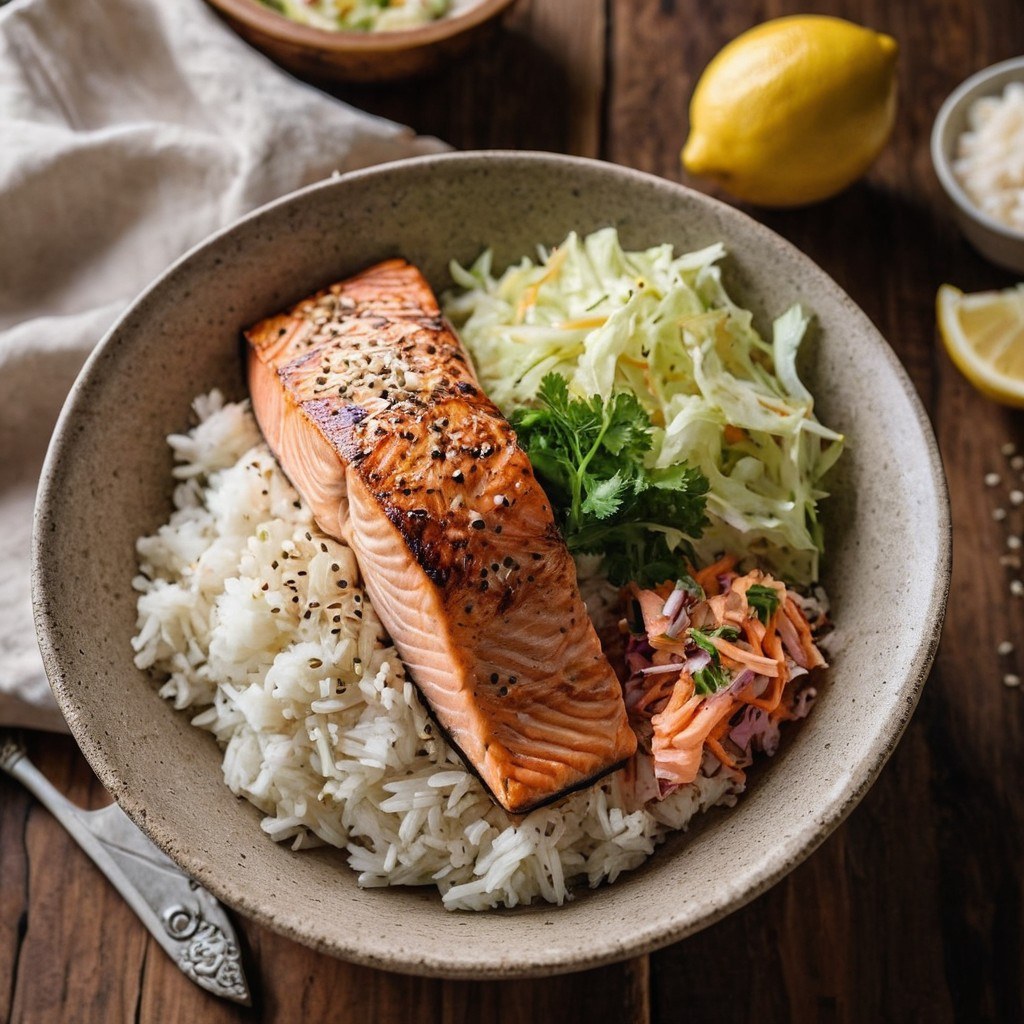
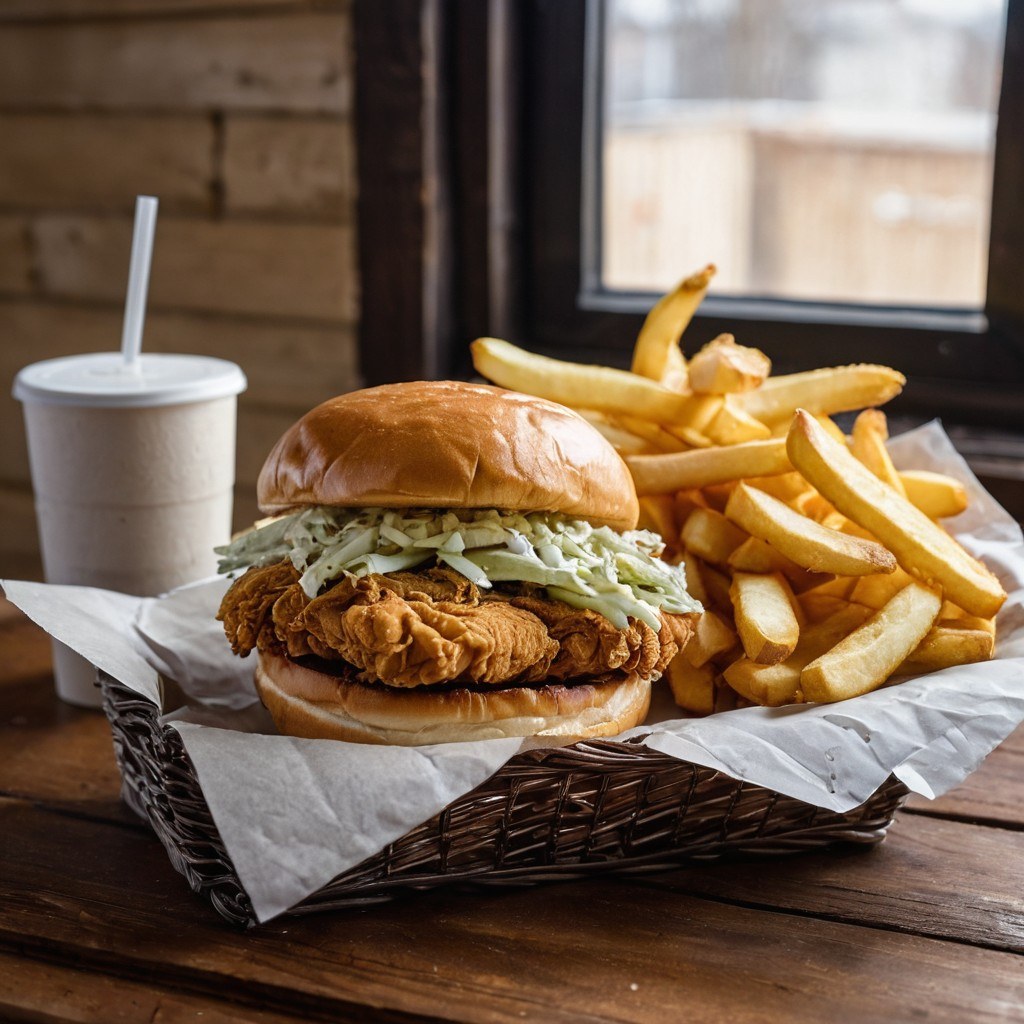
Your restaurant stays yours.
Your name, menu, photos and customer list belong to you, not to an app. Customers order from you, not from a list full of other restaurants.
- Your name and logo
- Your menu and photos
- Your prices
- Your customer list
Built and run by Stingray Bookkeeping in Fairbanks. The small upkeep fee your customers pay keeps it running under your name.
Three steps to real orders.
Right now this preview runs on one device, so you can try it. Here is what turns it on for real customers.
- 1
Connect your Square or Stripe
The food money from each order goes straight to your bank. Only the normal card fee comes out.
- 2
Orders from any phone
We put the orders online, so an order from any customer's phone shows up on your counter. Customers also get a text when the food is ready.
- 3
Your web address and QR signs
A short link for your Facebook page, and printed signs for the counter and the door.
Later, if you want it: a Google Play app with the same menu and the same counter screen.
Every paid order reaches you.
When you go live, a paid order has three ways to reach you. If nobody answers, the customer gets their money back. Nothing gets lost quietly.
Saved the moment it is paid
The order is stored online as soon as the payment goes through, even if the customer's phone dies.
It keeps ringing
Your counter screen dings until someone taps Start cooking.
A text if nobody answers
After 3 minutes you get a text. After 8 minutes a second one goes to a backup number too.
Screen off? Orders pause
If your counter screen goes offline, online ordering pauses itself and you get a text.
Nobody pays for nothing
If an order is not accepted in 15 minutes, the customer is told and refunded automatically.
Checked every night
Payments and orders are matched every night. If they do not line up, you hear about it.
Short answers.
Anything else, reply to the message this link came in.
What does it cost my restaurant?
Nothing to us. No commission and no monthly bill.
Your only cost is the normal card fee, like a swipe at your counter.
What if I miss an order?
The counter screen keeps dinging until someone accepts. If nobody does, you get a text.
If the order is still not accepted after 15 minutes, the customer is refunded automatically. And if your screen is off, online ordering pauses by itself.
What do my customers pay?
Your menu prices, plus a small upkeep fee at checkout: . They see it as "" before they pay.
That fee keeps your app running under your name: hosting, updates, fixes, support and new features you ask for.
Can customers tip?
Yes. They can add a tip at checkout, and 100% of it goes to your crew.
No tip is ever picked for them. They choose one, or they skip it.
Who pays the card fee?
You do. It is the normal , like any card sale.
It goes to Square or Stripe, not to us. No app takes a cut.
Do I keep DoorDash and Uber Eats?
Yes. Keep them for delivery, and for new people who find you there.
Your own app is for pickup customers who already know you.
Do customers need to download anything?
No. They scan the code or tap your link, and your menu opens in their phone's web browser. It works on iPhone and Android.
Who owns the customer list?
You do. Every name and phone number from an order is yours, not an app's.
What if I run out of something?
Tap Sold out on the counter screen. Customers see it right away. Tap it again when it is back.
What do I need to do to start?
Reply to the message this link came in. Then we check your menu and prices with you, connect your Square or Stripe, and print your QR signs.
A phone or tablet you already have works as the counter screen.
Want this live for your restaurant?
Reply to the message this link came in, or reach us at stingraybookkeeping.com. We will set it up.